Share a file
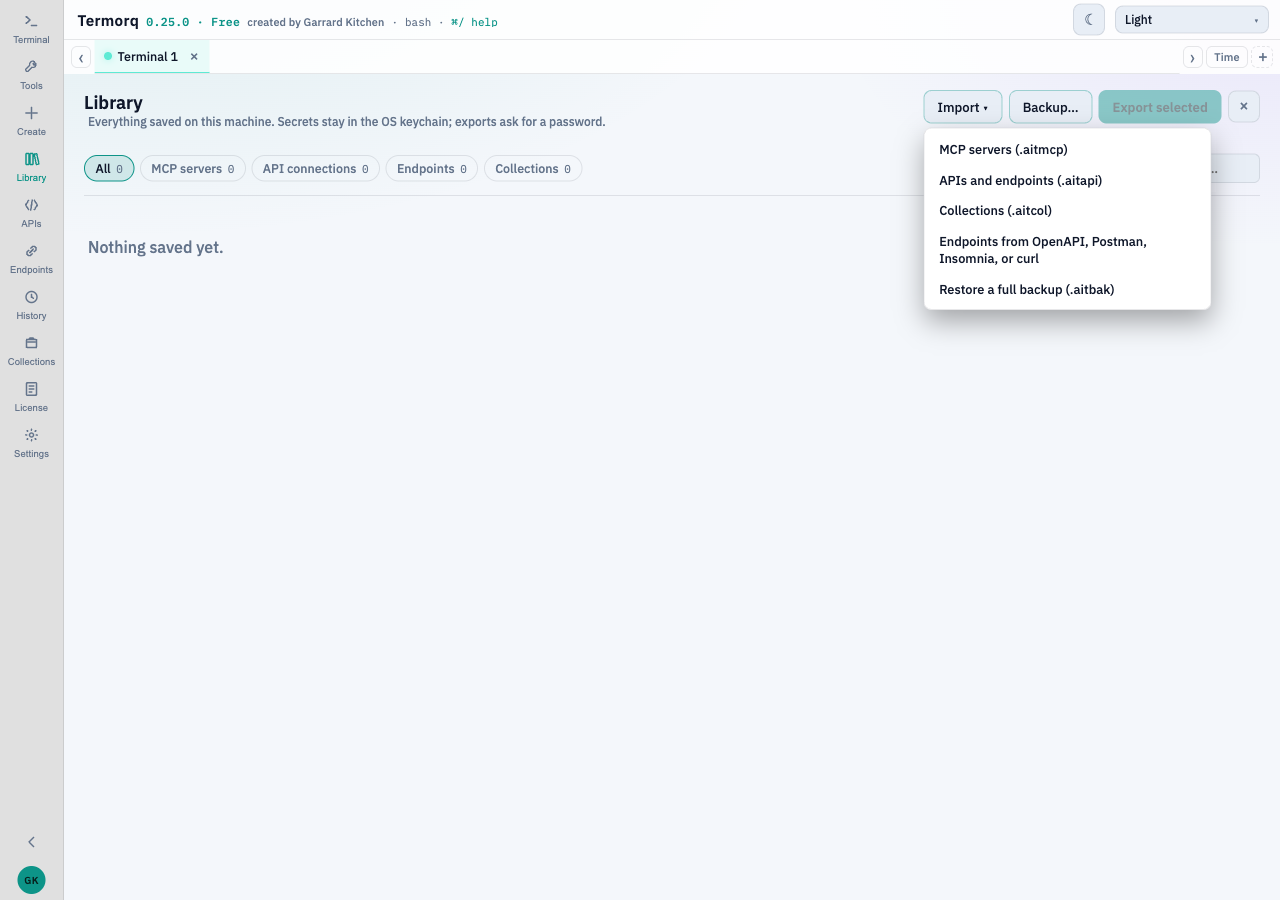
The Library import menu is the front door. Save dialogs start in Downloads. Files are written with owner-only permissions.
| File | Holds | Secret |
|---|---|---|
.aitcol | Collections, and optionally the endpoints and API connections those lines use, plus chosen MCP servers | A bundle that includes secrets is always encrypted. A plain collections file can be encrypted too. The preview flags lines that look like they contain secrets and can mask them |
.aitmcp | MCP servers only, including environment and customer ids | Always encrypted. Password at least 12 characters, not stored |
.aitapi | The ticked endpoints and the API connections they use | Encrypted, and the secret is inside. OpenAI connections stay behind. Password at least 12 characters, not a common password, not one character repeated |
.aitbak | Settings, environments, customers, theme, collections, MCP servers, API connections, endpoints, and OpenAI connections, including secrets | Always encrypted |
Older .aitmcp and .aitapi files still import. An older file may have no environment id or customer id. The names and colours stay in Settings on this computer.
Collections import
Import previews the .aitcol file, says what is new and what is replaced, and lets you merge, replace, or add as copies. Captures travel with the lines.
Full backup
Backup… writes one .aitbak. Restore a full backup shows what is inside first, then replaces same-named records and adds the rest. Nothing is deleted that the file does not replace.
A .aitbak contains secrets. Treat the password as a secret too. Do not commit the file. Send it through a channel you already trust, and tell the recipient the password some other way.
API descriptions
Endpoints from OpenAPI, Postman, Insomnia, or curl is the importer that drops credentials. The steps and the OpenAPI and Postman export are on Import and export.