On this page
Browse and edit
Library on the rail, @library, or Cmd+Shift+L (Ctrl+Shift+L on Windows and Linux) lists everything saved: MCP servers, API connections, endpoints, OpenAI connections, and collections.
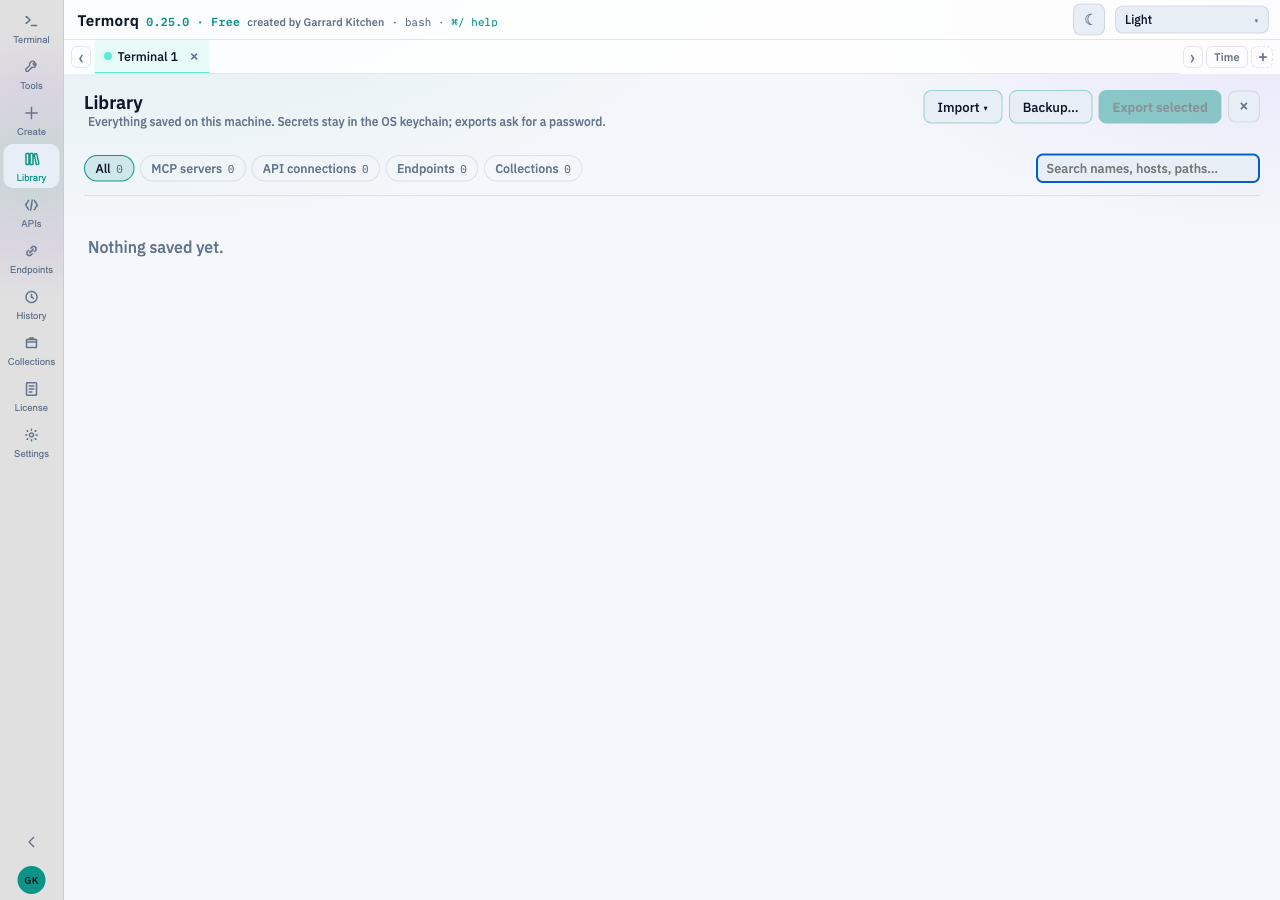
Filter by name or by kind. The counts on the chips are what is on this machine.
| Action | What it does |
|---|---|
| Edit | Opens the same editor as @edit name |
| Duplicate | Makes <name> (copy). When the original has a stored secret, the app asks whether the copy should reuse it or start without one |
| Export | Writes that row’s transfer file. See Share a file |
| Delete | Removes it, with Undo in a toast |
@edit Users API
@edit List users
@library
@edit name opens the editor for a server, an API, an endpoint, an OpenAI connection, or a collection. A blank secret on edit keeps the stored one.
Rows that came from a team workspace show a workspace badge. A connection whose secret is not on this machine yet shows needs secret. The value you type goes into this computer’s secret store only.