The shelf
Collections are lines you already run: a shell line, an @endpoint call, or an @tool call. Collections on the rail, or Cmd+Shift+B (Ctrl+Shift+B on Windows and Linux), opens the shelf in the terminal column and hides the prompt. Press the shortcut again, or Esc, to return.
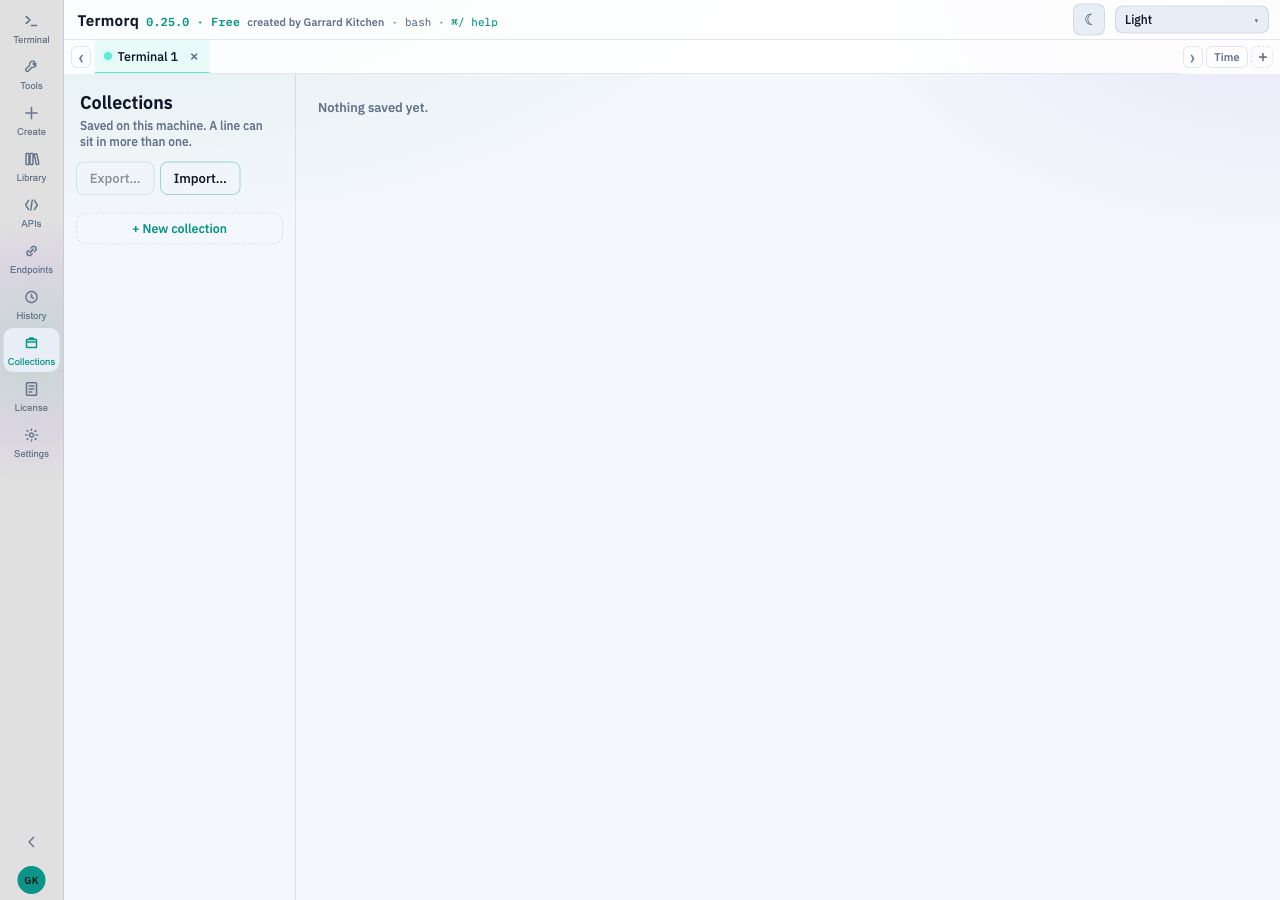
Create one
+ New collection asks for a name and one of the seven tab colours. Save or Enter keeps it. Cancel or Esc puts the form away.
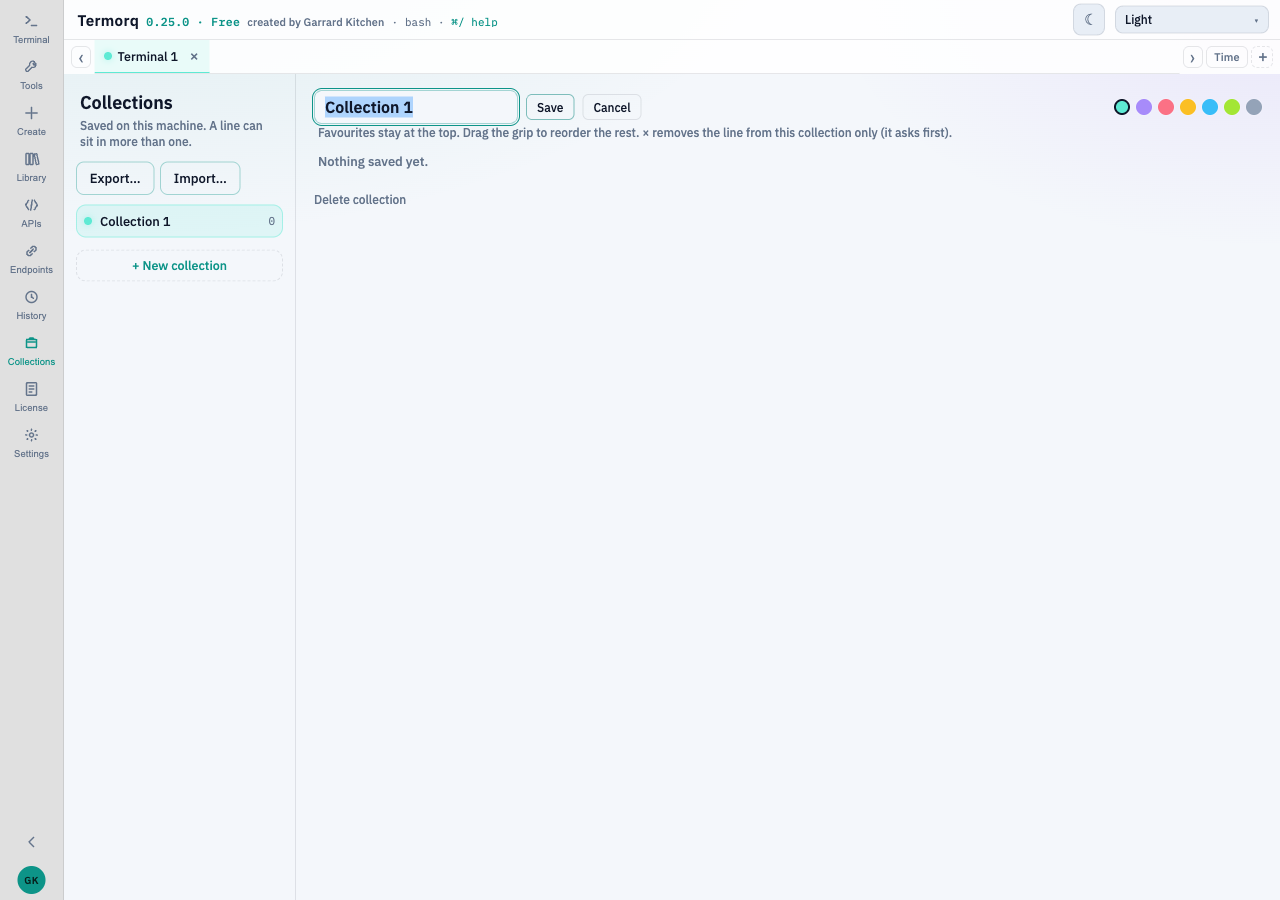
Edit, beside the name, opens the name field again. The swatches change the colour straight away.
The shelf holds up to 50 collections and 200 lines. Lines live in collections.json in the app data folder. An older localStorage key ai-terminal-collections is moved there once.
Add a line
Collect on a command in the scrollback, or on an endpoint row or a tool row, adds that line to a named collection. A line can sit in more than one collection. The same line is not stored twice in one collection. A stored line can include text you typed. A masked secret stays masked.
On each line
Each saved line shows its name. When the command differs from that name, the command sits to the right in a lighter tone.
| Control | What it does |
|---|---|
| Star | Favourite on this shelf. Favourites stay at the top. This star does not change an endpoint or tool favourite |
| Grip | Drag to reorder within a group |
| × | Remove the line from this collection only, after Remove? Yes / No. Focus starts on No. Esc, or about 4 seconds, backs out |
| Copy | Put the exact line on the clipboard. The prompt is left as it is |
| Run | Run that line the same way Enter does, then return to the terminal. A line that contains a masked secret is placed in the prompt instead |
Delete collection asks once (Delete / Cancel), then removes that shelf. A toast offers Undo.
A line that names an endpoint or tool that no longer exists is flagged.